XPPen Pilot Pro Editing Console Wireless Video Controller, Programmable Bluetooth 5.3 Macro Keyboard with All-Way Joystick, 19 Buttons, Tri-Rotary, 24H Battery for DaVinci Resolve, Premiere Pro,Mac/PC
$49.00 USD
Free worldwide shipping
Free returns
Carbon neutral
Secure payments
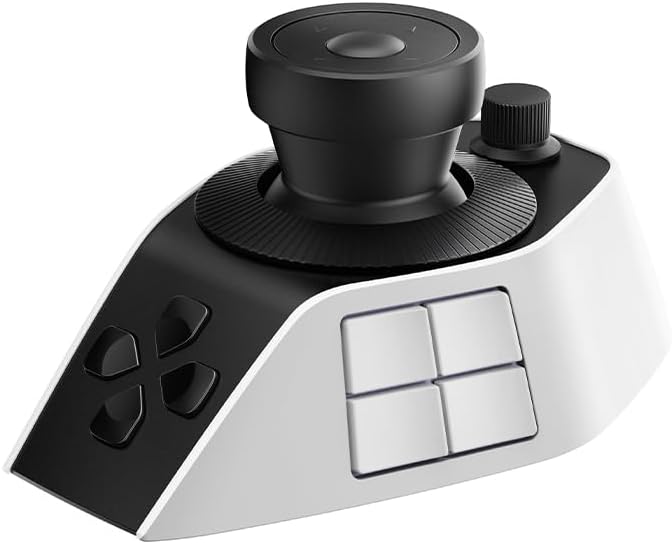
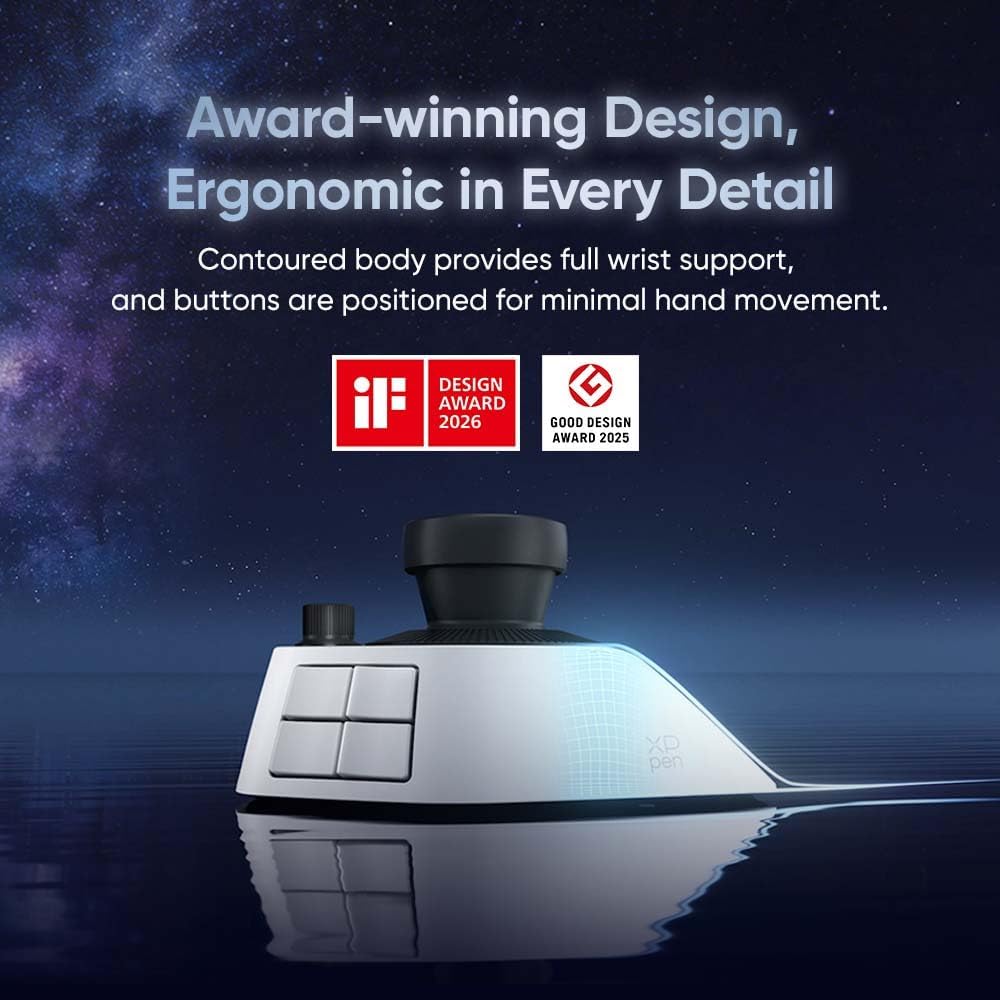
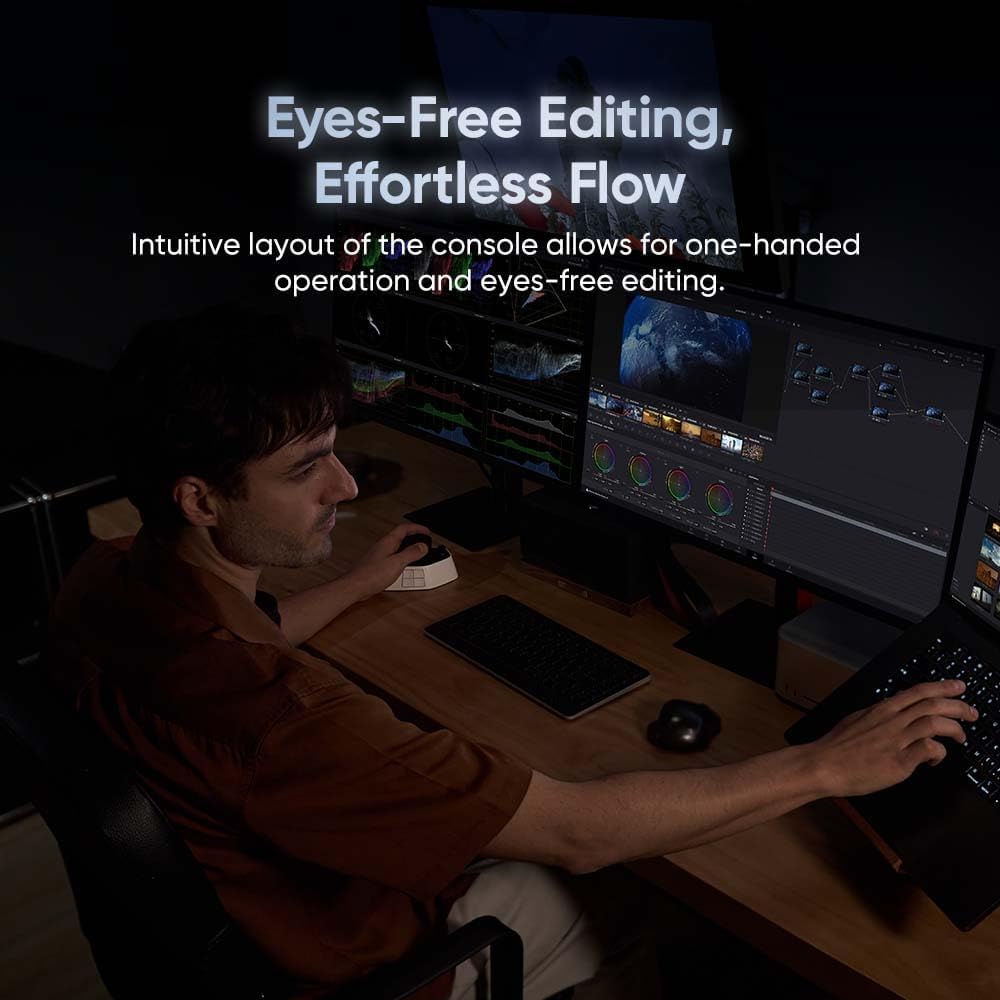
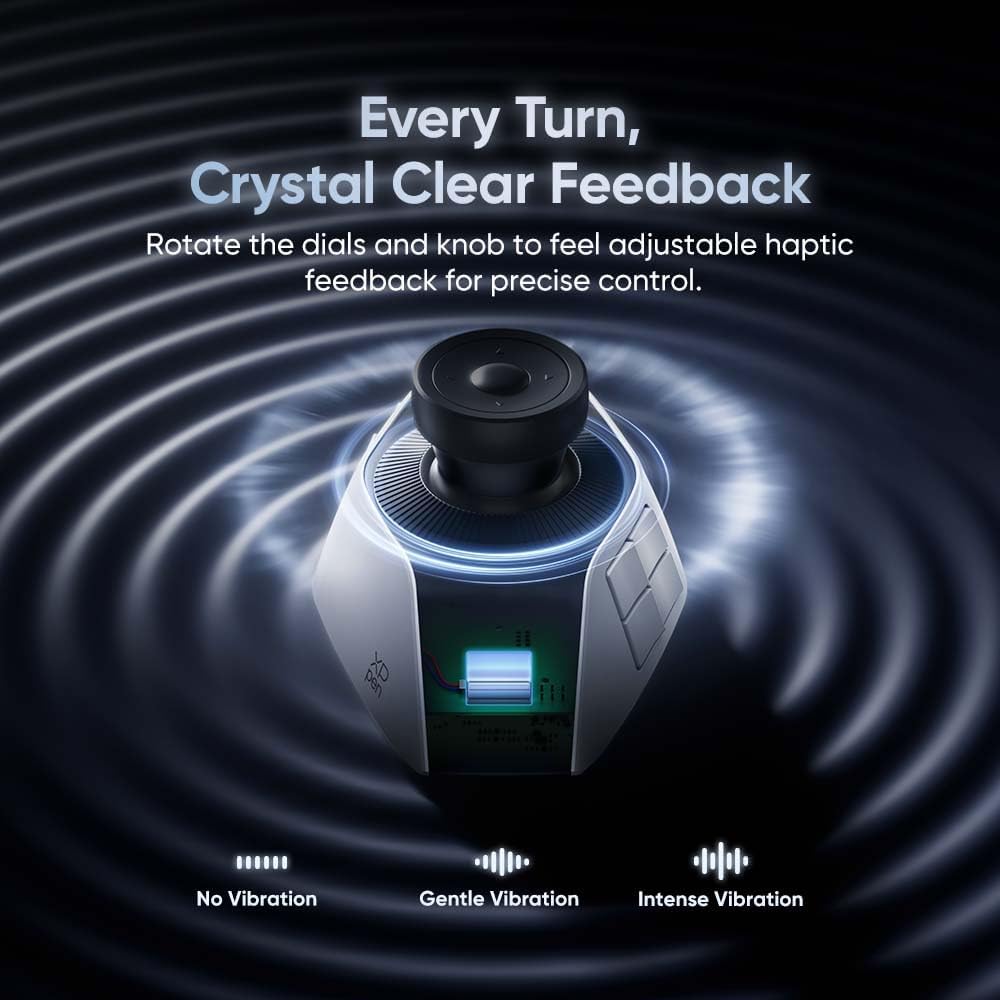
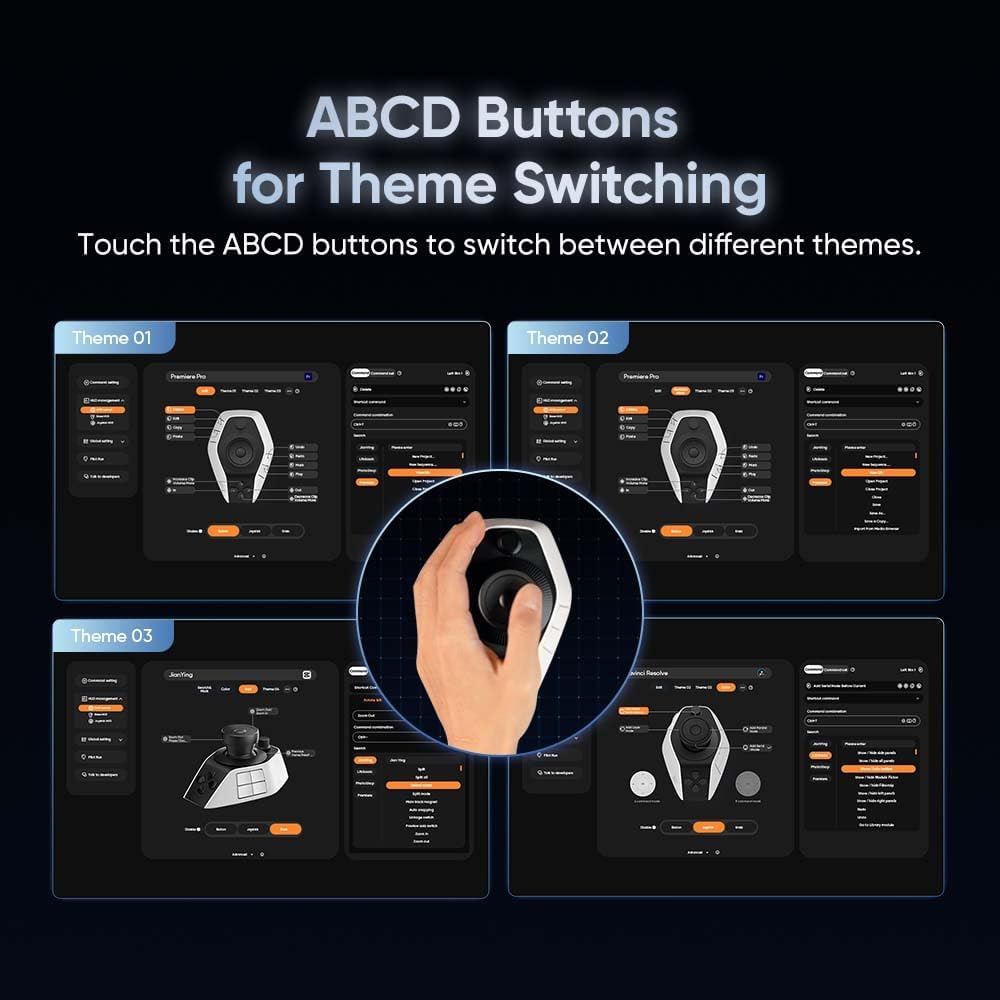
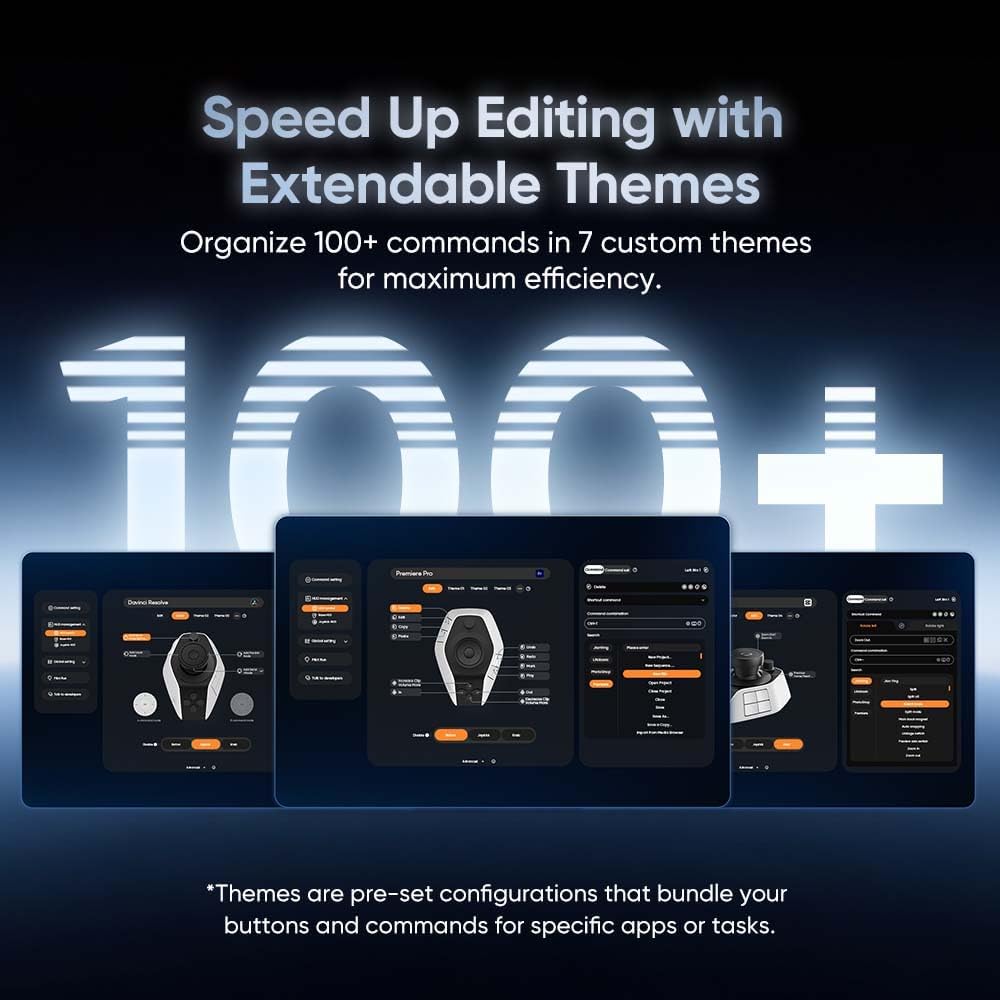
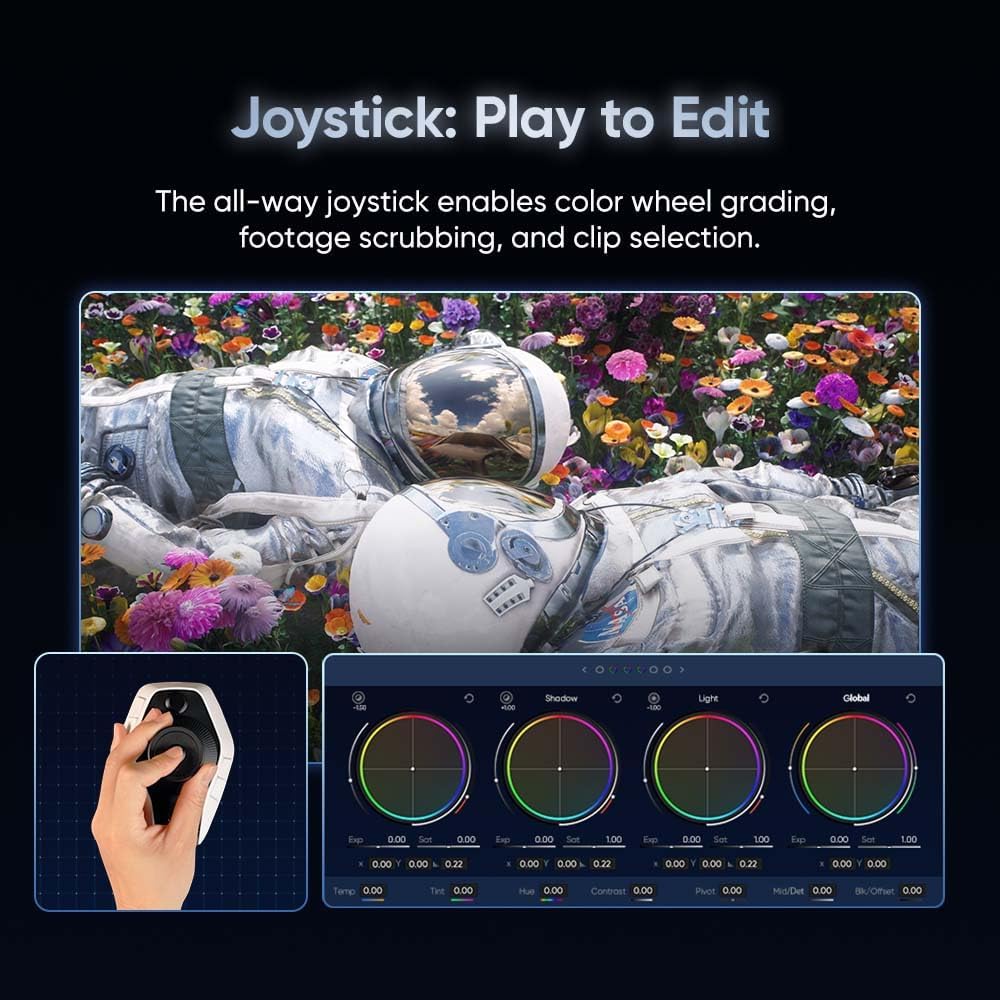
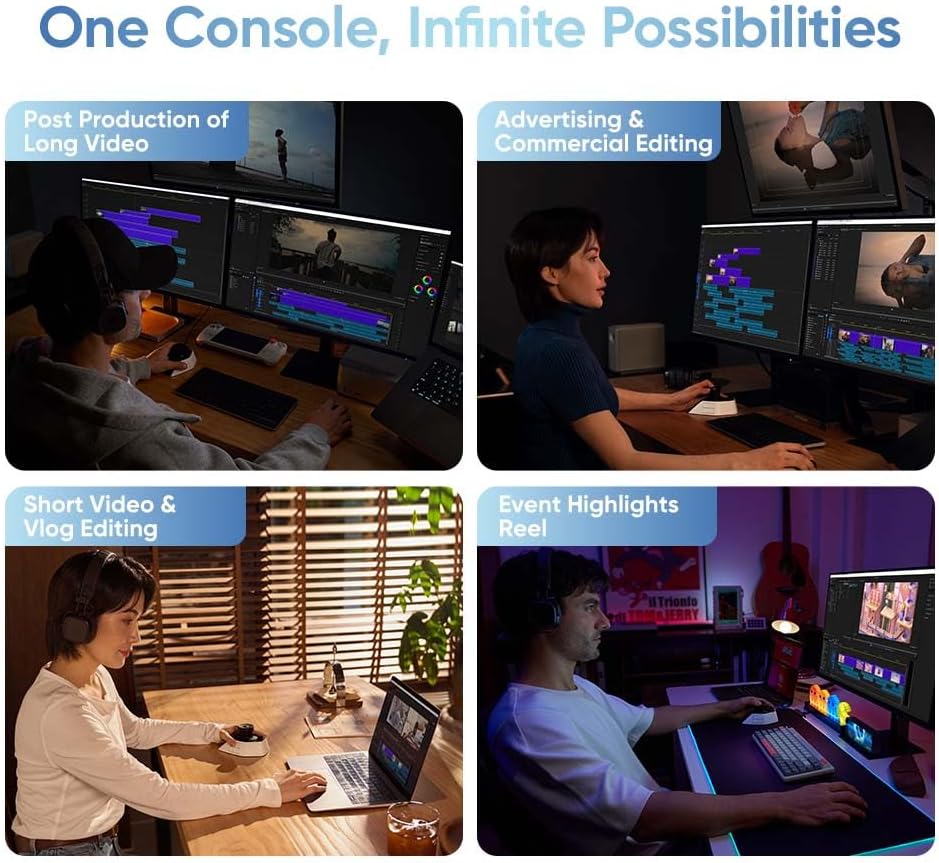
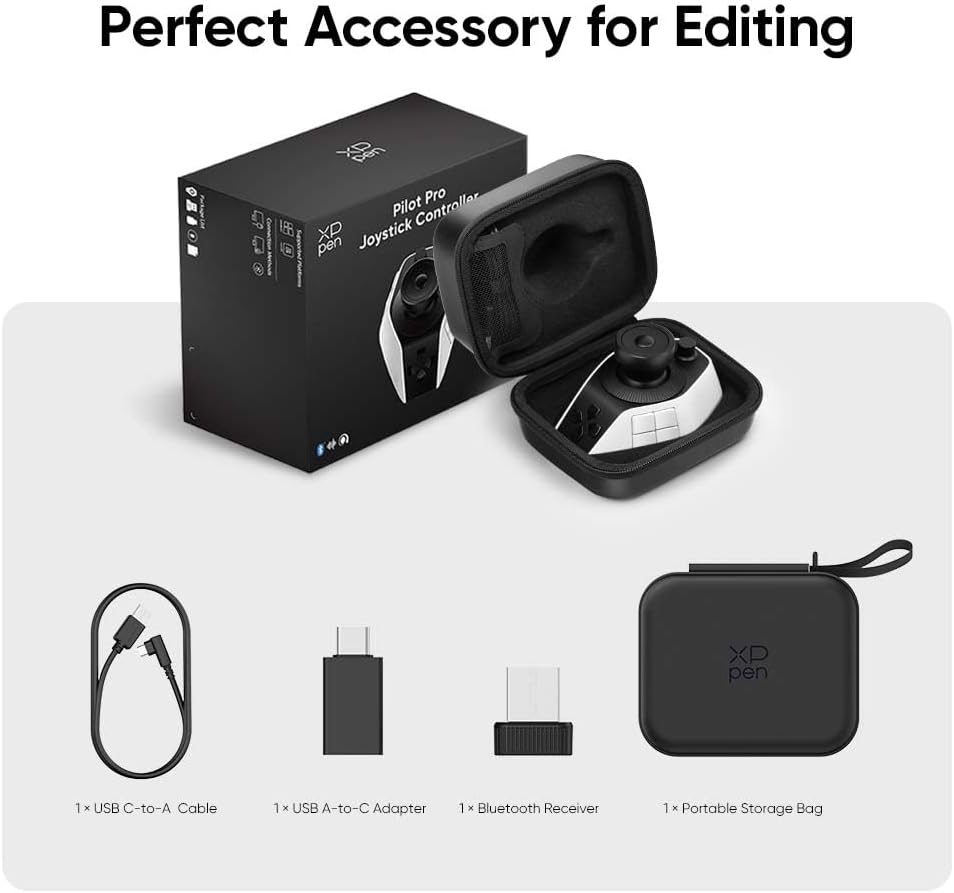
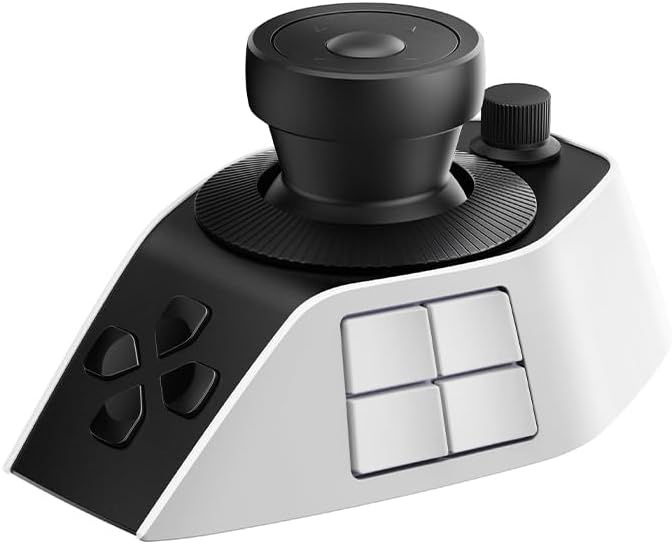
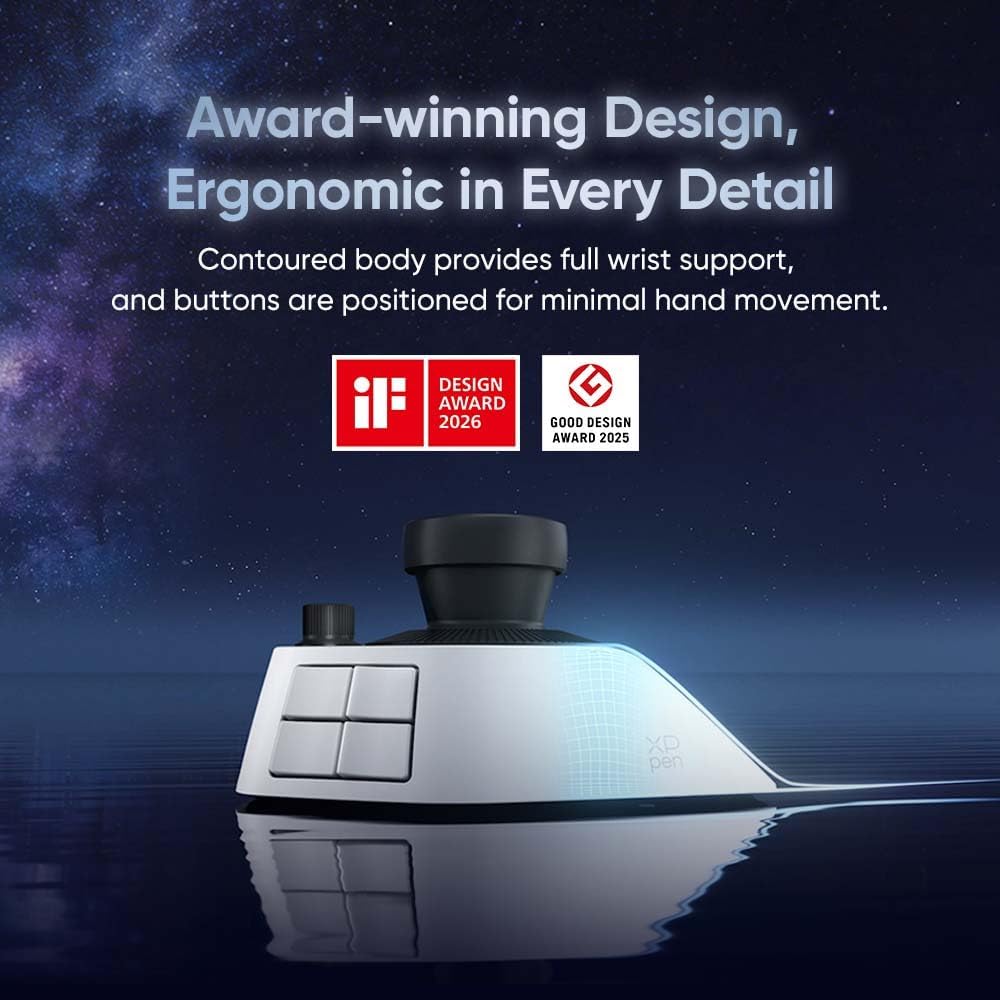
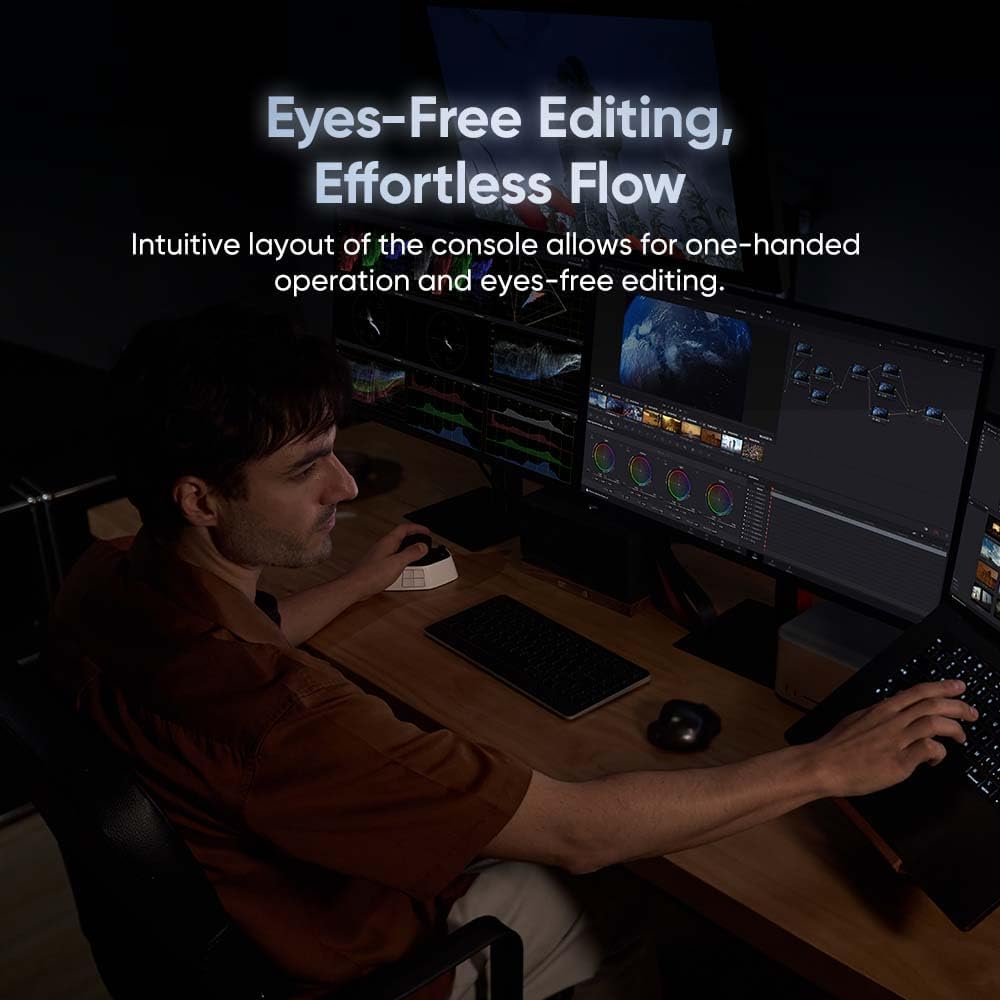
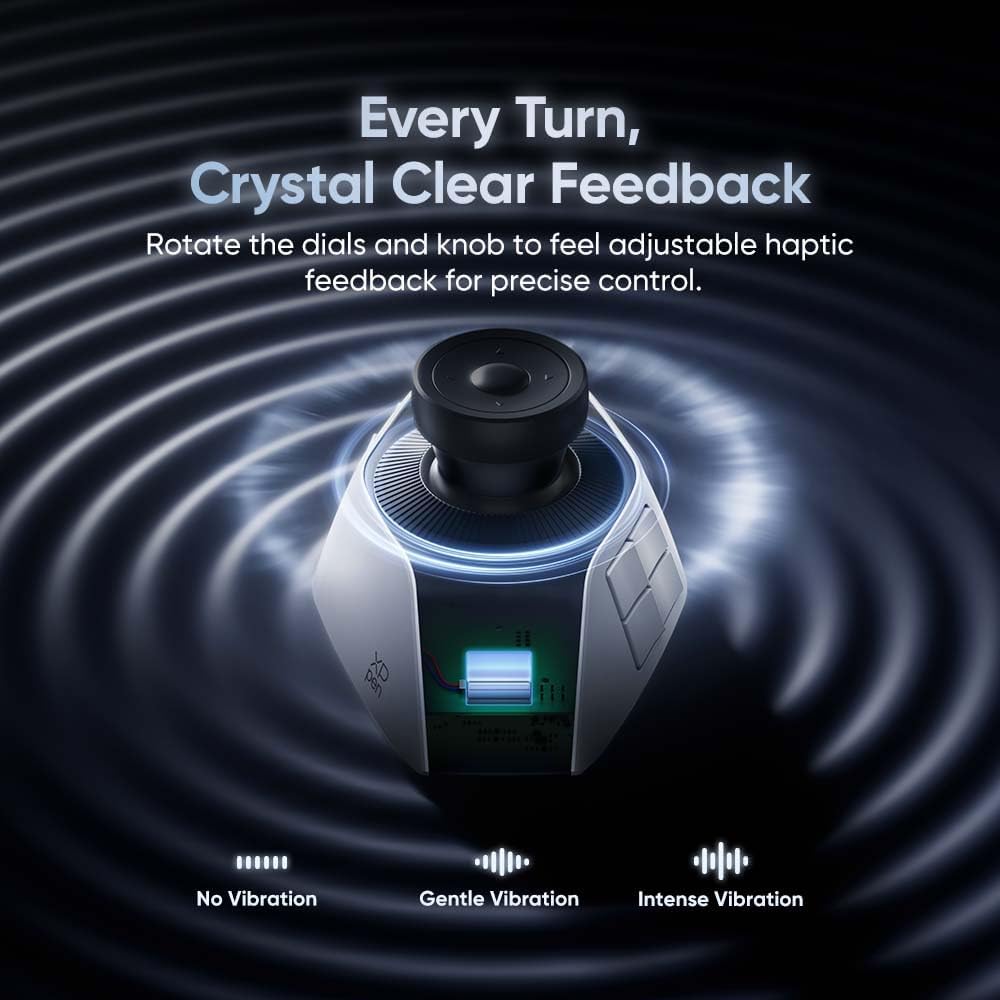
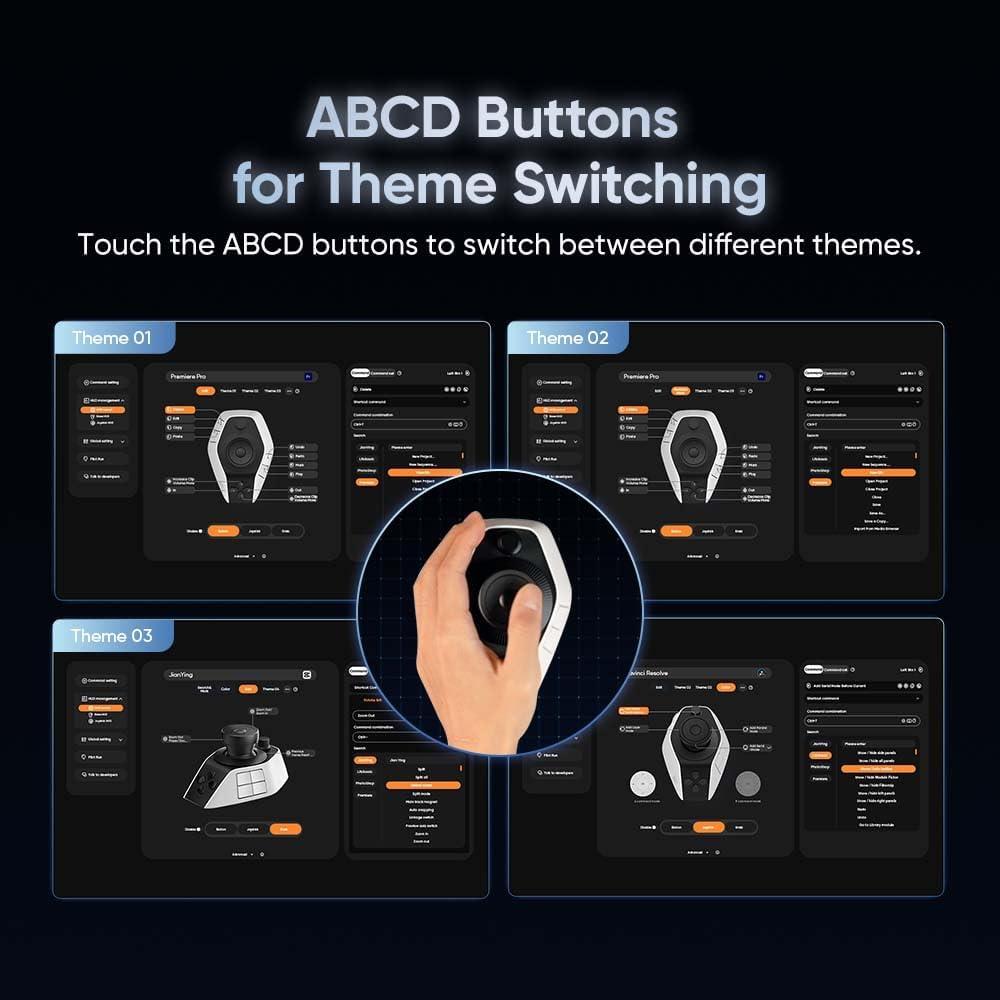
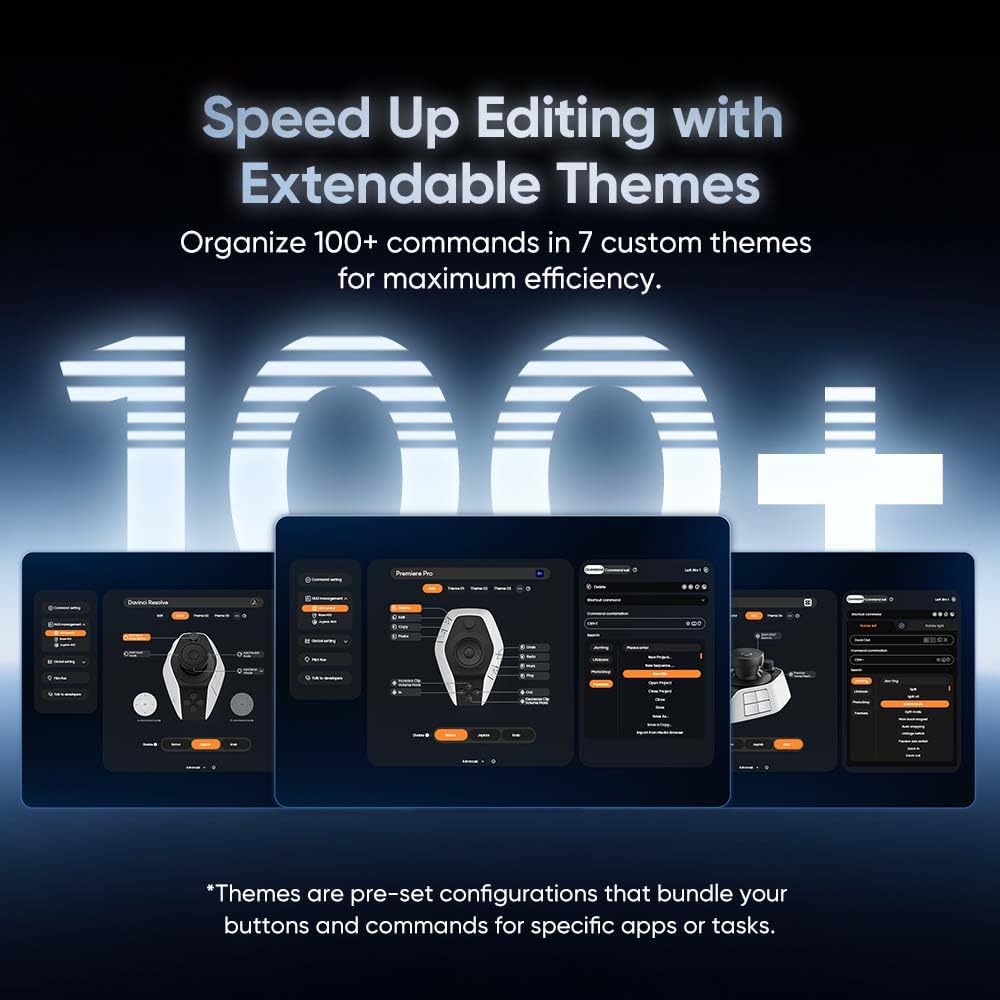
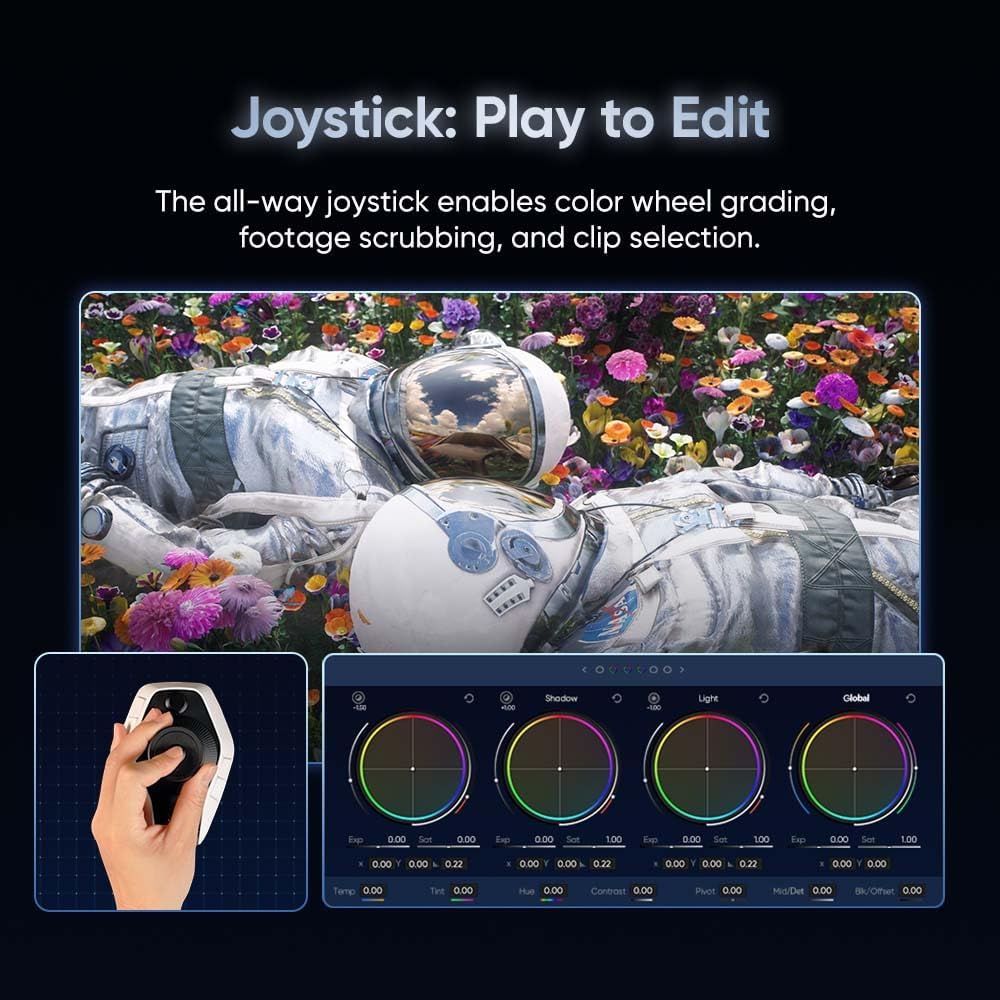
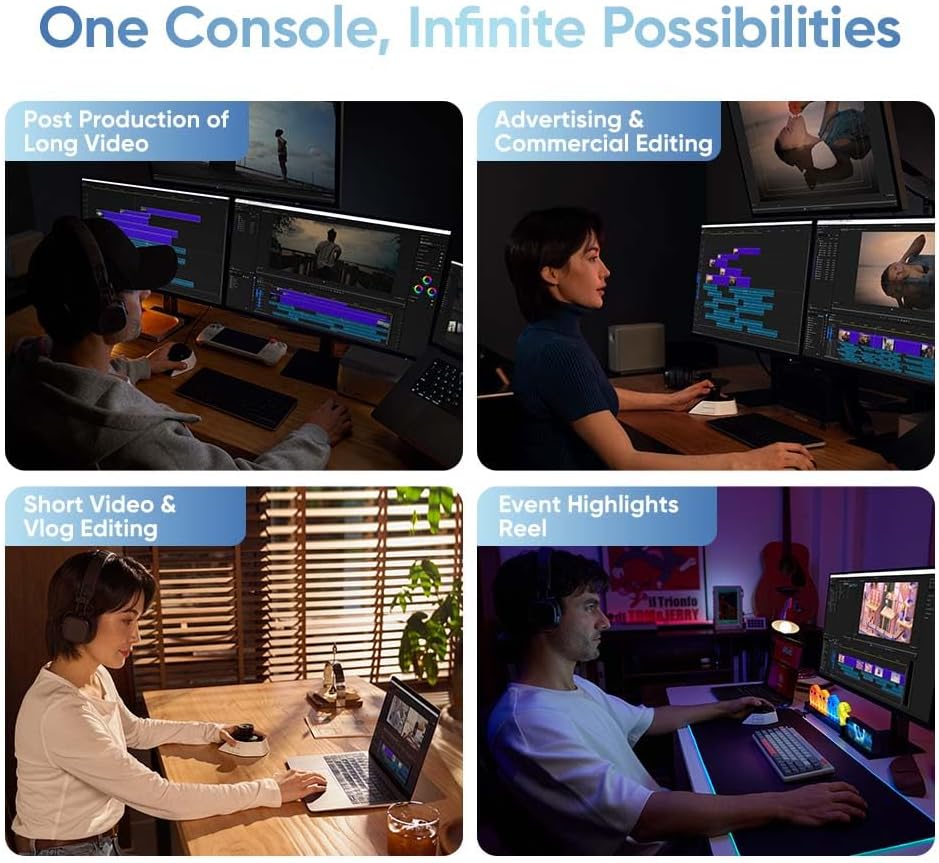
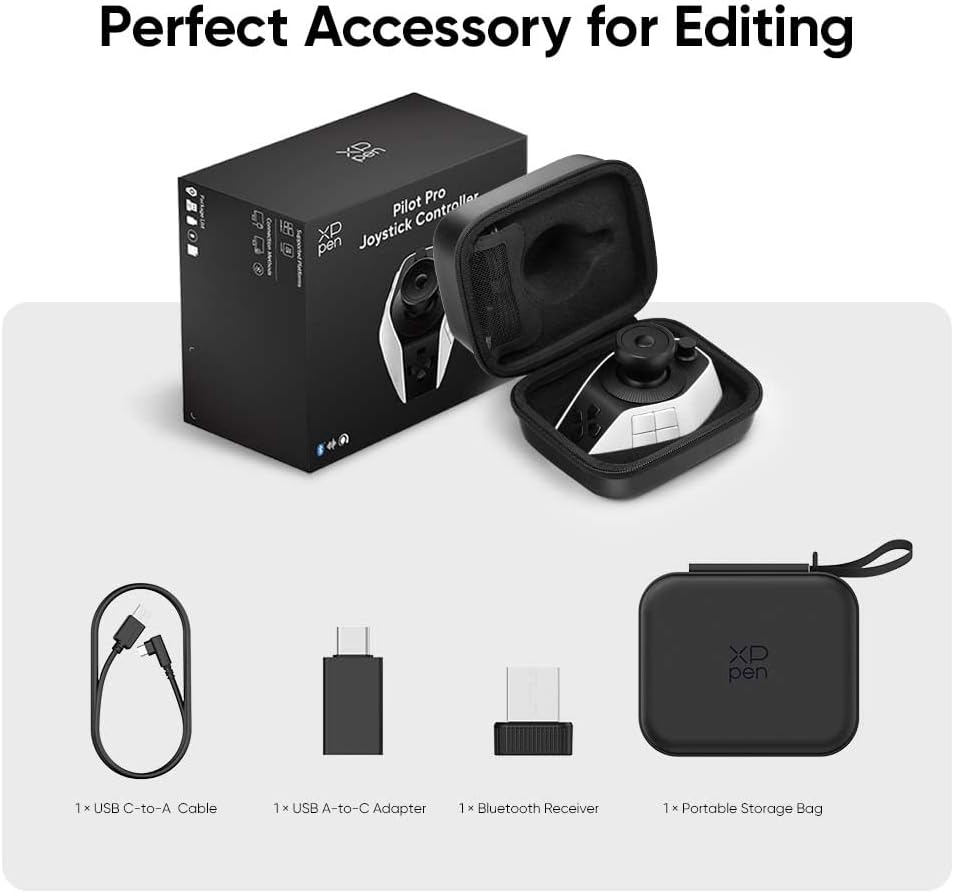
Intuitive All-Way Joystick & Tri-Rotary: Outperforming traditional macro keyboards, the Pilot Pro features a multi-directional joystick for one-step color grading in DaVinci Resolve. Use the high-speed dial to fly through timelines and the precision knob for frame-by-frame adjustments, making complex video editing as intuitive as playing a game Eyes-Free Control for Creative Flow: Stop looking down at flat buttons. The 3D sculpted layout and Z-axis motor vibration provide tactile feedback, allowing your fingers to memorize every control. Whether you're live streaming or deep in a 4K edit, stay focused on the screen and keep your creative momentum uninterrupted 100+ Shortcuts with Multi-Theme Support: Map 19 buttons and 3 rotaries to over 100 commands. With 7 interchangeable themes and an on-screen HUD, you can switch seamlessly between different software layouts. It��s the ultimate control center that simplifies complex workflows into single-press actions A Versatile Hub for Every Creator (Persona Focus): Designed for the diverse needs of modern creators. YouTube Vloggers can speed up rough cuts; Professional Colorists get tactile control of color wheels; Digital Artists & Photographers can zoom and adjust brush sizes in Photoshop/Lightroom with ease; and 3D Designers in Blender gain a new level of directional navigation 24-Hour High-Frequency Battery Life: Say goodbye to the inconvenience of replacing AA batteries. Unlike competitors that rely on dry cells, Pilot Pro features a built-in high-capacity lithium battery. It supports 24 hours of continuous high-frequency use on a single charge. Simply plug in via USB-C to recharge while you work, ensuring your workflow never hits a wall. Ergonomic Design for Long Sprints: The contoured body provides full palm and wrist support, reducing strain during marathon editing sessions. By keeping your hand in a natural posture on the desk, it minimizes the repetitive movements that lead to wrist pain, making it a healthier choice for full-time editors Stable Tri-Mode Connectivity: Experience zero-latency performance with Tri-mode connection: Bluetooth 5.3, 2.4G Dongle, and wired USB-C. Whether you are working on a Mac Studio at home or a Windows laptop in a studio, Pilot Pro ensures a rock-solid connection for all your professional streaming and editing needs 1Eye-Free2100+ commands3Smart Edit, Fast Access4Instant Pro Shortcuts5Custom Keys, Auto Switch1Pro Control, Master Edits2Precise Feel, Every Turn3Palm Support, Less Strain1Stable Tri-Mode Control224H Power, Easy USB-C3Wide Software Support4One Hub, All Creations5Package List
Is the Pilot Pro compatible with major video editing and design software?
Yes. Pilot Pro features deep integration with DaVinci Resolve, Premiere Pro, Photoshop, and Lightroom. It also supports OBS for streaming and Blender for 3D design, with 100+ programmable shortcuts for any creative app on Mac/PC
Does it require external AA batteries like other controllers?
No. Unlike competitors, Pilot Pro features a built-in high-capacity rechargeable lithium battery. It provides up to 24 hours of continuous high-frequency use on a single charge and supports USB-C charging while you work to ensure zero downtime
How does the All-Way Joystick benefit my color grading workflow?
The intuitive joystick allows for one-step color grading in DaVinci Resolve, replacing complex mouse-and-keyboard combos. You can also use it for seamless 3D navigation in Blender or to scrub through massive timelines with a simple push
Can I operate the Pilot Pro without looking down at the buttons?
Absolutely. The 3D sculpted layout is designed for eyes-free operation. Combined with the Z-axis linear motor's haptic feedback, your fingers will instinctively recognize every control, allowing you to stay focused on your screen and creative flow
How can I easily manage and remember so many customized shortcuts?
Pilot Pro supports 7 themes and 100+ commands. With the interactive on-screen HUD (Heads-Up Display), you can instantly view your current button layout on your monitor, ensuring you never forget a shortcut during your creative process
Is the Pilot Pro compatible with major video editing and design software?
Does it require external AA batteries like other controllers?
How does the All-Way Joystick benefit my color grading workflow?
Can I operate the Pilot Pro without looking down at the buttons?
How can I easily manage and remember so many customized shortcuts?